Running a school means juggling admissions, attendance, fees, exams, timetables, transport and constant communication with parents. When each of these lives in a separate register, spreadsheet or messaging group, the same information gets typed again and again, and no one has a complete picture. School ERP software exists to solve exactly that problem.
What a school ERP actually is
ERP stands for Enterprise Resource Planning. In a school, it means one connected system where students, staff, classes, fees and academic records share a single source of truth. A student is entered once, and that record is then used by attendance, fee collection, exams and the parent portal, instead of being copied into five different files.
Most school ERPs are web applications. Staff log in with their own accounts, and what they can see or change depends on their role.
The modules you will usually find
Different products package features differently, but the following areas appear in most school management systems.
| Area | What it typically covers |
|---|---|
| Student information | Admission details, guardians, class and section, documents |
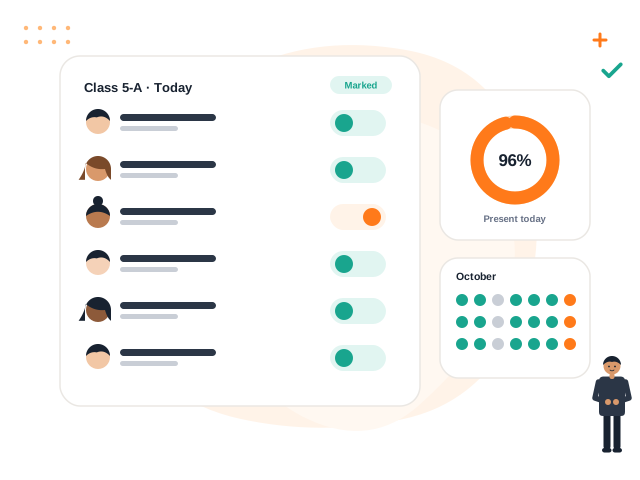
| Attendance | Daily or period-wise marking, absence lists, summaries |
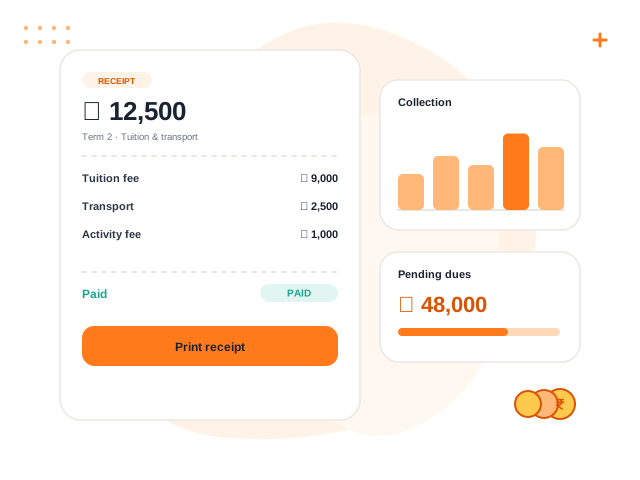
| Fees and accounts | Fee structures, dues, receipts, income and expense records |
| Examinations | Exam schedules, marks entry, grading, report cards |
| Academics | Classes, subjects, timetables, homework |
| Communication | Notices, events, parent and student portals |
| Operations | Transport routes, certificates, reports |
No school needs every module on day one. A sensible approach is to start with the areas that cause the most daily friction and add others as the team becomes comfortable.
Why schools move away from paper and spreadsheets
Paper registers and standalone spreadsheets work when a school is small. Problems appear as it grows:
- Duplicate entry. The admission clerk, the accountant and the class teacher each maintain their own list of students, and the lists drift apart.
- Slow answers. Finding how many students in Class 6 have pending fees may need someone to cross-check two files by hand.
- Weak accountability. When anyone can edit a shared spreadsheet, it is hard to know who changed what and when.
- Staff dependence. Knowledge of how the records are organised sits in one person's head or computer.
A shared system with roles and an audit trail addresses these directly, though it does not remove the need for good processes.
Tip: Before looking at any software, list the three tasks your staff complain about most. Judge every product against those three tasks first, and against its long feature list second.
Who uses it and how
A good ERP gives each person a focused view rather than one crowded screen for everyone.
- Principal and administrators look at school-wide summaries and approve important actions.
- Teachers mark attendance, assign homework and enter marks for their own classes.
- Accountants collect fees, issue receipts and record expenses.
- Parents and students see attendance, homework, results and notices relevant to them.
Role-based access matters here. A teacher should not see fee records, and a parent should only ever see their own child's information.
What to check before adopting one
Software cannot fix an unclear process, so prepare your side as well.
- Clean your data. Decide on admission number formats, class names and section names before importing anything.
- Assign an owner. One person should be responsible for setup, staff training and answering questions.
- Start small. Run attendance and fees properly for a term before switching on everything else.
- Ask about data separation and backups. If the vendor serves many schools, ask how one school's data is kept apart from another's.
- Ask what is not available. An honest answer about gaps is a good sign.
Where Volvoq fits
Volvoq is a school ERP built for Indian schools, covering student records, attendance, fees and receipts, exams and report cards, homework, notices, events, transport and certificates, with parent and student portals and role-based access. Each school's data is kept separate from other schools on the platform. You can see the current module list on the Volvoq features page.
Bring this into your school with Volvoq
Volvoq is a school ERP for student records, attendance, fees, exams and parent portals. Book a demo to see how it could fit your school.
Book a Demo