
Notices that reach exactly the people they are meant for
Create a notice once, choose its audience, schedule it and track who has read it. Families see only what applies to them.
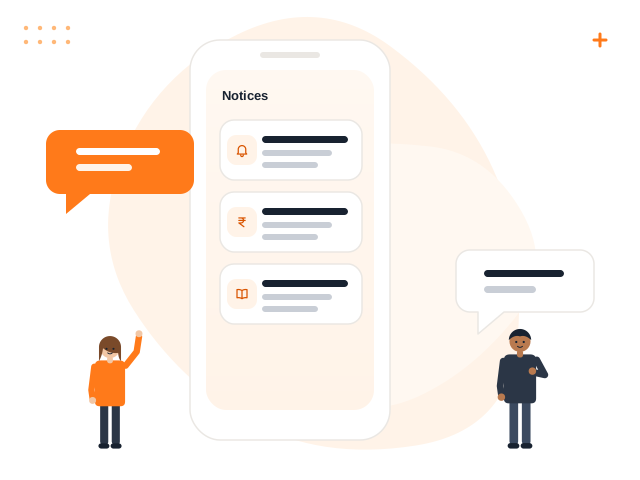
What you get with Notices
Audience targeting
Everyone, students, parents, staff or a specific class.
Schedule and expire
Choose when a notice starts showing and when it disappears.
Attachments
Add circulars and forms; only the audience can open them.
Read tracking
See how many people have read each notice.
In-app alerts
The audience gets a notification when a notice is published.
Drafts
Prepare notices in advance and publish when ready.
How it works
Write
Title, message and attachments.
Target
Select the audience.
Publish
Now or at a scheduled time.
Track
See read counts.
Notices: frequently asked questions
Can we send notices on WhatsApp or SMS?
Will every parent see every notice?
Can notices expire?
Who can create notices?
Works great with
Parent Portal
Attendance, fees, receipts, homework, results, notices and transport for parents.
Learn moreEvents & Calendar
Events, PTMs, calendars, holidays and reminders for the right audience.
Learn moreSecurity & Roles
Custom roles, permissions, data isolation, private files and audit history.
Learn moreSee Notices in action
Book a free demo and we will show you exactly how it works for your school.