
Set up your academic year once, run it smoothly all year
Sessions, classes, sections, subjects, holidays and a clash-free timetable — the foundation every other module builds on.
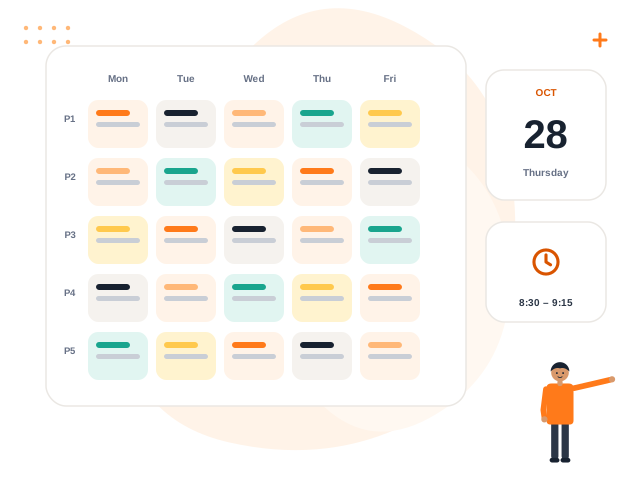
What you get with Academics & Timetable
Academic sessions
Create sessions and switch the active one. Past data stays intact.
Classes and sections
Build Nursery to Class 12 or any structure your school uses.
Subjects
Maintain the subject list used by homework, exams and timetables.
Periods and timetable
Define periods and breaks, then fill a weekly grid per class or section.
Clash protection
The same teacher, room or class cannot be booked twice in one period.
Holidays and special days
Holidays, emergency closures and special working days are respected by attendance and reminders.
How it works
Create the session
Add the academic year and make it active.
Build structure
Add classes, sections and subjects.
Add periods
Set period timings and breaks.
Fill the timetable
Assign subjects and teachers; Volvoq blocks clashes.
Academics & Timetable: frequently asked questions
Can we change the school timings?
What if a teacher is double-booked?
Do holidays affect attendance?
Can the timetable be printed?
See Academics & Timetable in action
Book a free demo and we will show you exactly how it works for your school.